Spec Kit, Kiro, inplan: three shapes of spec-driven development

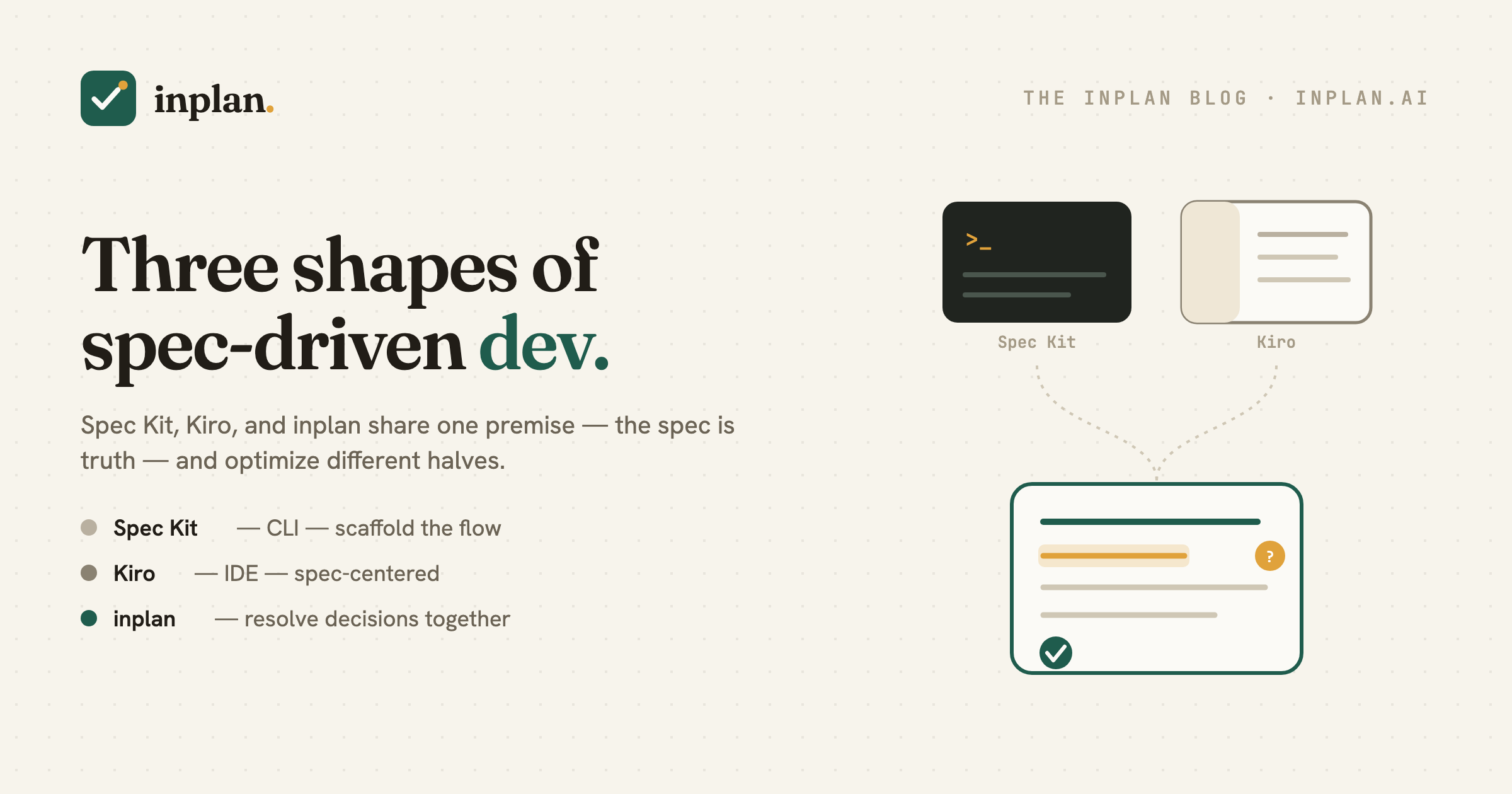
Spec-driven development has real tools now. GitHub's Spec Kit, AWS's Kiro, and inplan all start from the same premise — the spec is the source of truth — but they optimize different parts of the loop. Here's an honest map, so you can pick the one that fits (or combine them). Tools evolve fast; this reflects each at the time of writing — check their docs for specifics.
GitHub Spec Kit — scaffolding the spec→plan→tasks flow
Spec Kit is an open-source toolkit built around a specify CLI. It ships the SDD process as commands — specify → plan → tasks → implement — generating structured artifacts your agent works through, and it's deliberately agent-agnostic (it lists support for 30+ agents including Claude Code, Copilot, Cursor, and Gemini CLI). Strength: repeatable structure and portability across agents. Reach for it when you want a disciplined artifact pipeline in the terminal that isn't tied to one vendor.
AWS Kiro — a spec-driven IDE
Kiro is an agentic IDE where the unit of work is a spec, not a prompt. A feature moves through requirements.md → design.md → tasks.md, with agent hooks (actions triggered by file events) and steering documents (project-wide context applied automatically). Strength: one integrated environment — editor, agent, and specs together. Reach for it when you want your whole spec-driven workflow to live inside a single IDE.
inplan — the collaborative decision layer
inplan optimizes the part the other two mostly assume: the human⇄agent conversation that resolves what the spec should say. The plan is a live document; the agent drafts it and raises its open questions inline; you answer in place and review each change like a pull request; teammates can weigh in on the same doc. It's a focused editor (desktop and web), open-core — not a CLI and not an IDE. Strength: resolving decisions and reviewing them together, rather than generating artifacts.
A quick map
| Spec Kit | Kiro | inplan | |
|---|---|---|---|
| Form | CLI toolkit | Full IDE | Focused editor (desktop + web) |
| Centers on | Scaffolding spec→plan→tasks | Spec-centered IDE workflow | Human⇄agent decision resolution |
| Plan interaction | Run commands, edit files | Work in the IDE | Comment & answer inline, turn-based |
| Team review | Via your git/PR flow | Via your git/PR flow | First-class on the shared plan |
| Agent | 30+ agents | Kiro's built-in agent | Your agent (e.g. Claude Code) |
| License | Open source | AWS product | Open core |
All three move quickly — treat this as a positioning sketch, not a spec sheet.
Spec Kit and Kiro help you produce the spec. inplan is where you and the agent decide what's in it.
They're complementary
These aren't mutually exclusive. You can resolve a plan collaboratively in inplan and then implement it with Spec Kit or Claude Code; or work day-to-day in Kiro and pull a genuinely contested decision into inplan for a proper review with the agent and your team. Pick by which part of spec-driven development is your bottleneck: generating structure (Spec Kit), an integrated environment (Kiro), or resolving decisions together (inplan).
The part that's easy to skip
As the tooling matures, generating a spec gets cheaper every month — which makes the human judgment inside it the scarce part. Whichever stack you choose, make sure something in it is built for the conversation where a person and an agent actually settle the hard calls. That's the half we obsess over. If your current setup generates great specs but leaves you approving them alone in a text buffer, that's the gap inplan fills — alongside whatever you already use.
Add the decision layer to your SDD stack
inplan works alongside Spec Kit, Kiro, or Claude Code — the agent drafts the plan and raises its open questions inline, you and your team resolve them in place, and it builds against decided answers. Free and open source.
inplan on GitHub inplan.ai